
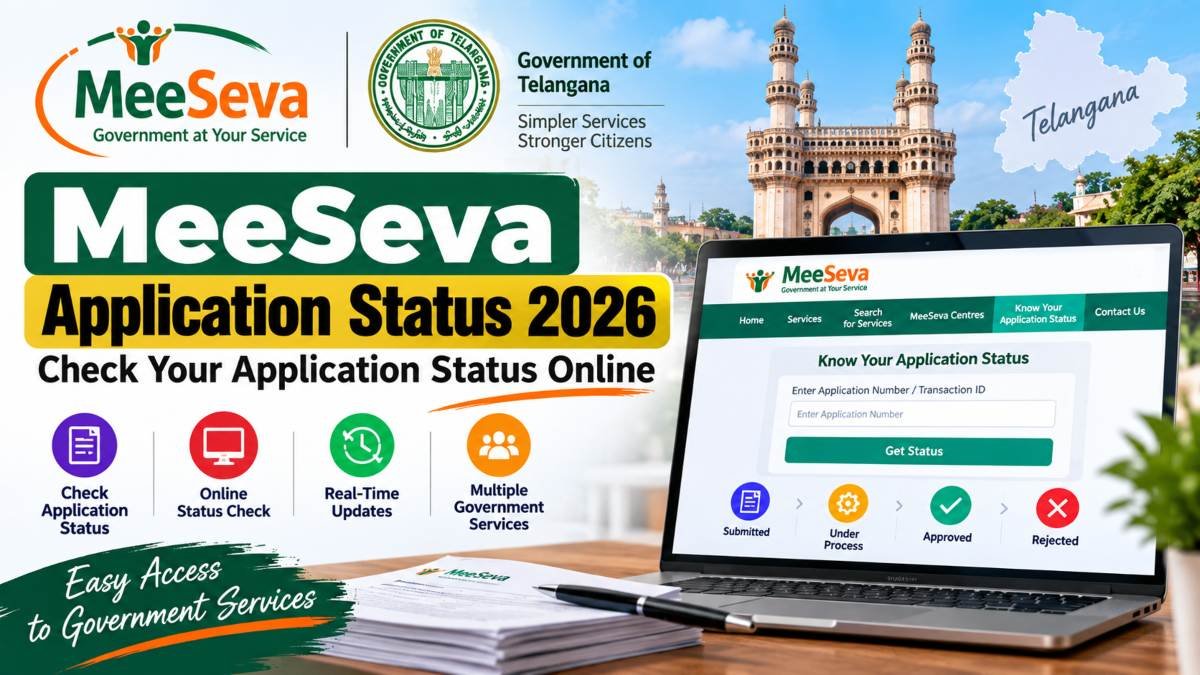
If you have recently applied for a service through MeeSeva and want to know whether your application has been processed, you can check its status online. The Telangana MeeSeva portal provides an online facility to check the status of applications submitted through the system.
Checking the status online can help you know whether your application is still being processed, has been approved, has been rejected, or requires further action. You generally need the application details provided when your service request was submitted.
This guide explains how to check MeeSeva Application Status 2026, what information you may need, and what to do if the status is not showing as expected.
MeeSeva Application Status 2026: Quick Details
| Particular | Details |
|---|---|
| Service | MeeSeva Application Status |
| State | Telangana |
| Platform | Telangana MeeSeva |
| Status Facility | Available Online |
| Main Purpose | Track submitted MeeSeva applications |
| Information Required | Application/transaction details, as applicable |
| Official Portal | Telangana MeeSeva Portal |
| Status Option | Know Your Application Status |
What Is MeeSeva Application Status?
MeeSeva is a Telangana government digital service platform designed to provide citizens and businesses access to different government-to-citizen and government-to-business services.
After submitting an application through MeeSeva, applicants may want to track what has happened to their request. The application-status facility allows users to check the progress of eligible applications through the official MeeSeva system.
The exact status information can depend on the service for which the application was submitted.
For example, MeeSeva provides access to different types of government services and forms, including services related to certificates, revenue, employment, welfare and other departments.
Read Also: Punjab Lecturer Cadre Admit Card 2026 Out: Download Hall Ticket, Exam Date & Direct Link
How to Check MeeSeva Application Status Online
Checking your MeeSeva application status is straightforward if you have the required application information.
Follow these steps:
- Visit the official Telangana MeeSeva portal.
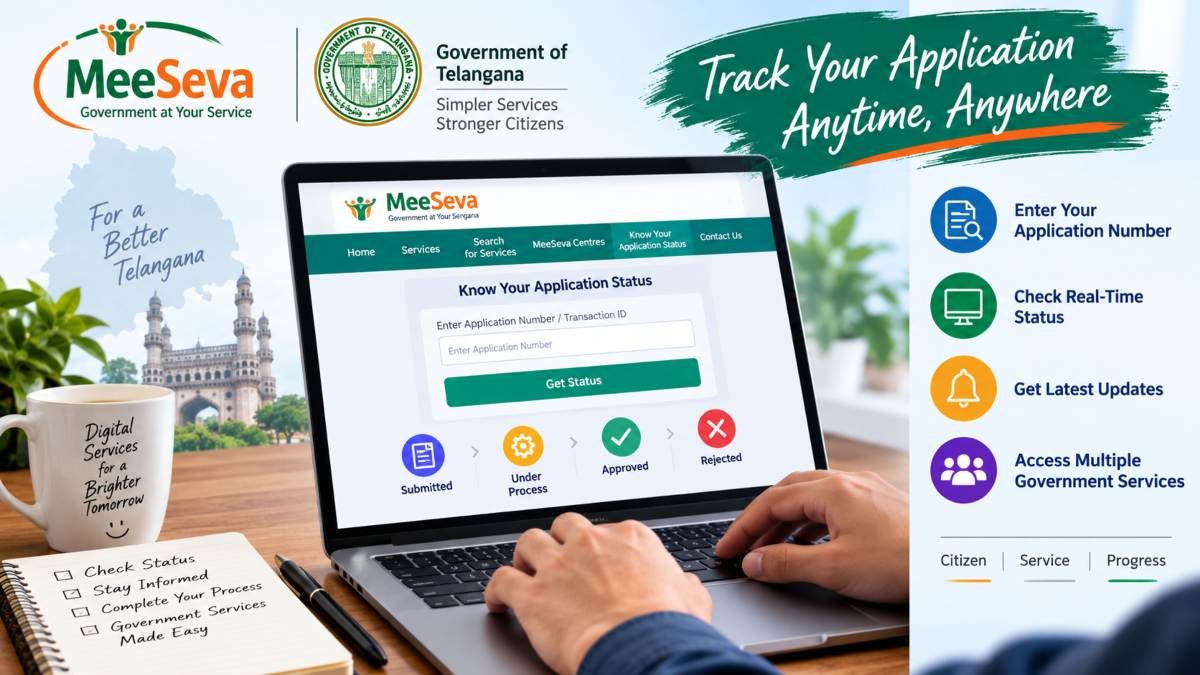
- Look for the “Know Your Application Status” option.
- Enter the application or certificate details requested on the page.
- Submit the information.
- Check the status displayed on the screen.
- Save or note the status details for future reference.
Always use the official MeeSeva website when checking an application. Avoid entering personal or application information on unknown websites claiming to provide MeeSeva status services.
Where Can I Check MeeSeva Application Status?
The official Telangana MeeSeva website provides the application-status facility directly on its portal.
Applicants can visit the official website and select the relevant status option rather than relying on third-party websites.
Official MeeSeva Portal: https://www.meeseva.telangana.gov.in/
The Telangana government also lists MeeSeva among its official citizen-service resources and identifies the MeeSeva portal in its state web directory.
What Details Are Needed to Check MeeSeva Status?
The information required can depend on the particular MeeSeva service and the application record.
Before checking the status, keep the details received when submitting the application nearby. These may include an application number, certificate application number, transaction-related information or other details shown on your receipt.
If you submitted the application through a MeeSeva centre, check the receipt carefully. Important reference information is normally provided with the transaction details.
Why Should You Check Your MeeSeva Application Status?
Checking your application status regularly can help you stay informed about the progress of your request.
It can be useful when:
- You have submitted a certificate application.
- You are waiting for a government service request to be processed.
- You want to confirm whether your application has moved forward.
- You need to know whether additional action is required.
- You are waiting for the completion of an online service request.
Instead of repeatedly visiting a MeeSeva centre just to ask about the progress of an application, checking the official online status facility can provide the latest available information for the application.
Common MeeSeva Application Status Updates
The wording used for an application status can vary depending on the service and department. In general, an application may show information indicating that it is under processing, completed, approved, rejected or requires some further action.
Do not assume that a particular status means the same thing for every MeeSeva service. If the status is unclear, check the instructions associated with that service or contact the appropriate MeeSeva support channel.
What If MeeSeva Application Status Is Not Showing?
Sometimes an application may not immediately appear when you try to check its status.
Before contacting support, check the following:
- Make sure the application number has been entered correctly.
- Check that you are using the correct status page.
- Verify the information from your MeeSeva receipt.
- Try the official portal again after some time if the website is temporarily unavailable.
- Make sure you have selected the correct service, where applicable.
If the problem continues, keep your application receipt and reference details ready when contacting the concerned MeeSeva service or centre.
Important Note for Applicants
MeeSeva services cover many different government departments and applications. Therefore, the processing time and status information can differ from one service to another.
A status shown online should be treated as the current information available in the official system. If you believe the status is incorrect or has not changed for an unusually long period, contact the appropriate department or MeeSeva service centre with your application details.
How to Check MeeSeva Application Status by Application Number
If you have submitted an application through MeeSeva, your application receipt is the first document you should check. It contains the reference information associated with your service request.
To check the status:
- Open the official Telangana MeeSeva portal.
- Select the “Know Your Application Status” option.
- Enter the application details requested by the portal.
- Submit the information.
- Review the status displayed for your application.
The exact information requested can depend on the service. Therefore, applicants should use the details shown on their MeeSeva receipt rather than entering information from a different application.
The Telangana government provides MeeSeva as a citizen-service platform covering a wide range of government services.
How to Check MeeSeva Certificate Status
Many people use MeeSeva to apply for certificates and other government services. These can include services related to income, residence, caste and other administrative requirements.
For such applications, keep the application or transaction reference from your MeeSeva receipt. You can then use the official status facility to find the latest information available in the system.
For example, Telangana district government pages for services such as caste and residence certificates direct applicants to the MeeSeva portal for checking application status.
What Does Pending Status Mean in MeeSeva?
A pending or processing status generally means that the application has not yet reached its final stage in the system.
However, the exact meaning can depend on the service and department handling the application.
If your application remains pending:
- Check the status again after some time.
- Confirm that there is no additional instruction associated with your application.
- Keep your application receipt safely.
- Contact the concerned MeeSeva centre or department if the application remains pending beyond the expected processing period.
Do not assume that every pending application has a problem. Different MeeSeva services can have different verification and processing requirements.
What Does Approved Status Mean?
If the application status indicates that your request has been approved or completed, check whether the service provides a certificate, document or other output that can be downloaded or collected.
For digitally issued certificates, follow the instructions provided for that particular service.
The Telangana government also publishes MeeSeva forms and service information through its official State Portal, covering services from several departments.
What If My MeeSeva Application Is Rejected?
If your application shows a rejected status, do not submit another application immediately without first understanding the reason.
The appropriate next step depends on the service. Check whether the status or related communication provides a reason for rejection or instructions for correction.
If you believe the rejection is incorrect, contact the concerned MeeSeva centre or department with:
- Application number
- Application receipt
- Relevant documents
- Any message or information displayed with the status
The concerned department is responsible for processing the particular service, so the resolution process can differ between services.
MeeSeva Application Status Not Updated
Sometimes applicants may find that the status has not changed even though they submitted their application earlier.
This does not automatically mean that the application has been rejected.
Before contacting anyone, check these points:
- Make sure you are checking the correct application.
- Verify the application number from your receipt.
- Check the official MeeSeva portal again later.
- Confirm whether your particular service has additional verification requirements.
- Keep your receipt and payment information available.
If the issue continues, contact the MeeSeva centre or department responsible for the service.
What If I Lost My MeeSeva Application Number?
The application number is important for tracking a service request, so applicants should keep their MeeSeva receipt or acknowledgement safely.
If you have lost the receipt, first check your saved documents, SMS messages, email notifications or any acknowledgement provided when the application was submitted.
If you still cannot locate the reference number, contact the MeeSeva centre where the application was submitted and provide whatever identifying information they request.
Avoid sharing sensitive personal information on unofficial websites or social-media pages claiming to recover MeeSeva application numbers.
Is MeeSeva Available for Different Government Services?
Yes. MeeSeva is designed as a broad government-service platform rather than a single-purpose application system.
The Telangana State Portal lists MeeSeva services and forms across areas including agriculture, civil supplies, employment, health, municipal administration, revenue, social welfare and other departments.
Because different departments provide different services through the platform, application requirements and processing procedures can vary.
This is why applicants should always check the instructions related to their specific service.
Official MeeSeva Application Status Link
The safest way to check your application is through the official Telangana MeeSeva portal.
Official MeeSeva Portal:
https://ts.meeseva.telangana.gov.in/
The Telangana government’s State Web Directory currently lists the MeeSeva Portal at this address.
Applicants should avoid unofficial websites that ask for Aadhaar numbers, passwords, OTPs or other sensitive information simply to provide an application-status service.
Important Tips Before Checking MeeSeva Status
Keep these simple points in mind:
- Use the official MeeSeva portal.
- Keep your application receipt nearby.
- Enter your application details carefully.
- Do not share OTPs or passwords with anyone.
- Take a screenshot or save important status information when necessary.
- If the status appears incorrect, contact the concerned service centre or department.
- Always follow the instructions specific to your application.
Frequently Asked Questions
How can I check my MeeSeva Application Status 2026?
Visit the official Telangana MeeSeva portal and use the “Know Your Application Status” facility. Enter the information requested for your application and submit it to view the available status.
Can I check MeeSeva status online?
Yes. The Telangana MeeSeva system provides an online application-status facility.
What do I need to check my MeeSeva application?
You should keep the application or transaction reference information from your MeeSeva receipt. The exact details required can vary depending on the service.
What should I do if my MeeSeva application is pending?
Check the status again after some time and review any instructions associated with the application. If it remains pending beyond the expected processing period, contact the concerned MeeSeva centre or department.
Can I check certificate applications through MeeSeva?
Yes. Telangana government district service pages direct applicants to the MeeSeva portal for checking the status of services such as caste and residence certificates.
Is the MeeSeva portal an official government website?
Yes. The Telangana State Portal lists the MeeSeva Portal in its official State Web Directory.
Final Words
Checking your MeeSeva Application Status 2026 online is useful when you want to know the current progress of a government service request without repeatedly visiting a MeeSeva centre.
Keep your application receipt safe, use the official Telangana MeeSeva portal, and check the status using the reference details associated with your application. If the application remains pending, rejected or does not appear correctly, contact the concerned MeeSeva centre or department rather than relying on unofficial websites.
For the most reliable information, applicants should use the official Telangana government sources because MeeSeva services and processing requirements can differ from one department and service to another.

1 comment on “MeeSeva Application Status 2026: Check Your Application Status Online”