
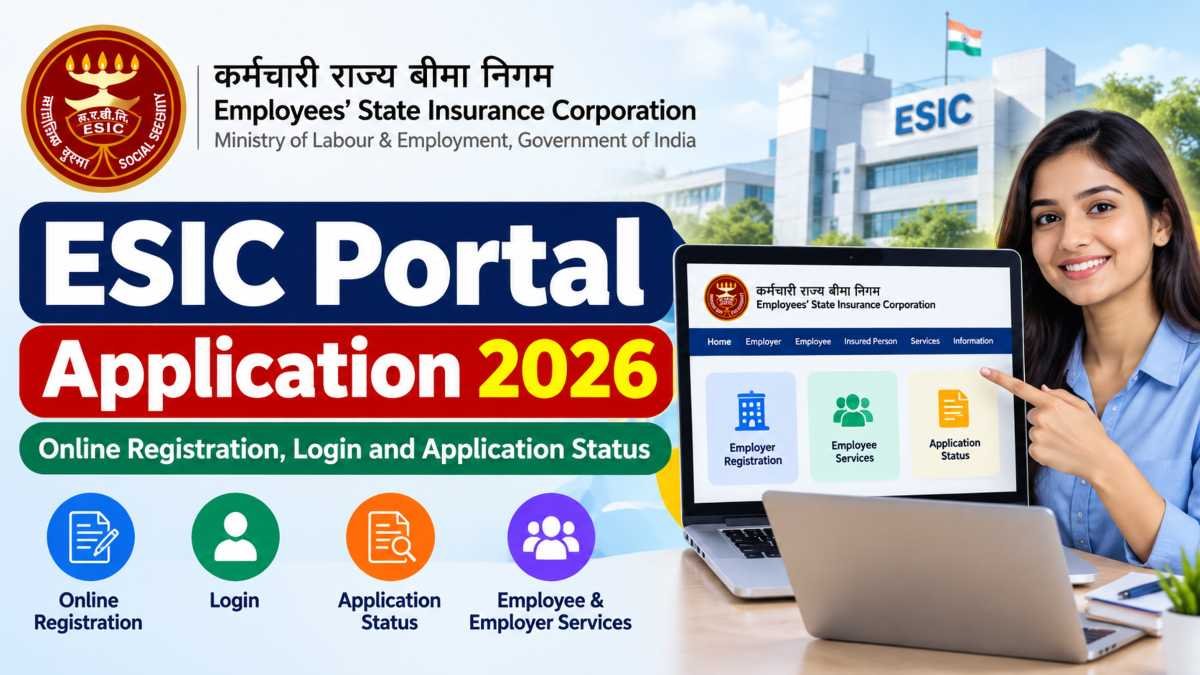
The ESIC Portal Application 2026 is a useful starting point for employees and employers who need to access services under the Employees’ State Insurance (ESI) scheme.
Through the official online system, employers can manage employee registration and contributions, while insured employees can access relevant insurance details and benefit-related services.
However, the process depends on what you want to do. Registering a new establishment is different from registering an employee, accessing an existing insurance account, or applying for an ESIC recruitment post.
In this guide, we explain the main ESIC portal services, the information you may need, and how to find the correct application or login option. Always verify the latest instructions on the official website before submitting personal or employment details.
Quick Information About ESIC Portal Application 2026
| Particular | Details |
|---|---|
| Portal name | Employees’ State Insurance Corporation (ESIC) |
| Scheme | Employees’ State Insurance (ESI) Scheme |
| Main website | esic.gov.in |
| Online portal | ESIC Portal |
| Main users | Employers, employees and insured persons |
| Available services | Registration, employee records, contributions and insurance-related services |
| Application mode | Online for supported services |
| Application fee | Depends on the service; check the official instructions |
| Application deadline | Depends on the specific application or recruitment notification |
| Helpdesk | Check the latest contact details on the official ESIC website |
Note: ESIC recruitment applications are separate from routine employer and employee insurance services.
What Is the ESIC Portal Application 2026?
The ESIC portal is an online platform operated by the Employees’ State Insurance Corporation under India’s social security framework. It helps eligible establishments and insured persons access services connected with employment-based health insurance and social security benefits.
For employers, the portal supports activities such as registering establishments, adding employees, updating relevant records and managing contribution-related work. Insured persons can use the relevant services to check insurance details and access information about their benefits.
Official ESIC information describes online employer and employee registration, contribution payments and insured-person services as part of its digital system.
Who Should Use the ESIC Portal?
The portal may be relevant to the following users:
-
Employers: Businesses or establishments that need to register and manage their ESI-related responsibilities.
-
Employees: Workers covered under the ESI scheme who need to access their insurance details.
-
Insured persons: Existing beneficiaries who want to review relevant records or benefit information.
-
Job applicants: Candidates applying for ESIC vacancies should use the recruitment section and follow the notification for their particular post.
Before starting, identify the service you need. This will help you avoid choosing the wrong registration or login option.
ESIC Portal Application 2026: How to Apply Online
The online procedure varies depending on whether you are an employer, a newly employed worker or an existing insured person.
Step 1: Visit the Official ESIC Website
Open the official ESIC website. Check the available links for employer services, insured-person services or recruitment.
Use the official government website rather than an unfamiliar third-party page. Never share your password or OTP with anyone claiming to process your application.
Read Also: Air Force Application Portal 2026: Registration, Online Application, Eligibility and Latest Updates
Step 2: Select the Correct Service
Choose the option that matches your purpose:
-
Employer registration for an establishment.
-
Employee registration through the applicable employer process.
-
Insured-person services for an existing beneficiary.
-
Recruitment application for a notified ESIC vacancy.
The exact menu names and portal screens may change, so follow the current instructions displayed on the official portal.
Step 3: Keep the Required Information Ready
Depending on the service, you may need some of the following:
-
Establishment or business details.
-
Employer contact information.
-
Employee name and date of birth.
-
Identity and employment-related information.
-
Existing insurance number, where applicable.
-
Registered mobile number and email address.
-
Supporting documents requested by the portal.
Not every applicant needs every document listed above. Check the requirements for your specific application before submitting information.
Step 4: Complete the Online Form
Enter the requested details carefully and review them before submission. Check spelling, dates, identification details and contact information.
For employee registration, the employer or authorised representative generally handles the applicable registration process. Employees should coordinate with their HR department if their insurance details are missing or incorrect.
Step 5: Submit and Save the Confirmation
After completing the form, follow the portal’s instructions to submit it. If the system generates an acknowledgement, registration number or confirmation document, save a copy for future reference.
Keep in mind that successful form submission does not necessarily mean every verification or approval step is complete. Follow any additional instructions shown by the portal.
Important Note About ESIC Eligibility and Fees
Eligibility, contribution requirements and documents depend on the applicable rules and the type of service being used. Do not assume that every employee or establishment qualifies automatically.
Likewise, do not rely on a general online article for a recruitment deadline or application fee. For a job application, the official notification for the relevant post is the authoritative source.
Read Also: What Is Finance Charges in Credit Card? Meaning, Types & How It Is Calculated
How to Log In to the ESIC Portal
If you already have an ESIC account, use the official portal and select the relevant login option for your role. Employer services and insured-person services may use different access routes.
-
Visit the official ESIC website.
-
Open the relevant employer or insured-person service.
-
Enter the credentials or identification details requested by that service.
-
Complete any verification step displayed on the screen.
-
After logging in, open the service you need and review your information.
If you are an employee and do not have the required login credentials, contact your employer’s HR or payroll department for guidance. Do not create another insurance identity simply because you cannot access your existing details.
How to Check ESIC Application or Registration Status
The steps for checking status depend on the type of application. ESIC does not necessarily use one universal status-tracking page for every service.
Follow these steps:
-
Open the official ESIC portal.
-
Sign in to the relevant service, if required.
-
Look for the application, registration, employee or transaction record associated with your request.
-
Enter the reference number or other requested details, if the service provides a tracking option.
-
Read the status or any instructions shown on the screen.
-
Save the acknowledgement or contact the appropriate ESIC office if the status is unclear.
If you are checking a recruitment application, use the recruitment portal or instructions specified in the relevant vacancy notification. Recruitment status and employee insurance registration are separate matters.
Common ESIC Portal Application Problems and Solutions
Sometimes users cannot complete an application because of incorrect details, login problems or technical errors. Here are practical steps you can try.
| Problem | What you can do |
|---|---|
| Unable to log in | Check the username, password and login option. Use the official recovery process if available. |
| Employee details are incorrect | Contact your employer or HR team to check the records and request the necessary correction. |
| Existing insurance number not found | Confirm the number with your employer and check whether the correct service is being used. |
| Application is pending | Review the portal for additional instructions and contact the relevant ESIC office if needed. |
| Payment or submission failed | Check the transaction status before attempting payment again to avoid a duplicate transaction. |
| Portal is not opening | Try again later, use an updated browser and check the official website for service information. |
How to Register an ESIC Complaint
If your issue remains unresolved, you can use the official ESIC grievance facilities.
-
Visit the ESIC official website.
-
Find the public grievance or complaint facility.
-
Follow the instructions to submit your complaint.
-
Save the grievance reference number.
-
Use the available tracking facility or contact the relevant office to follow up.
ESIC also publishes helpline details for assistance. Its official website lists 1800-11-2526 for general or non-medical assistance and 1800-11-3839 for medical assistance. Check the website for the latest contact information before calling.
ESIC Recruitment Application 2026: Important Information
If you are searching for an ESIC job application, remember that recruitment is different from registration under the ESI insurance scheme.
Recruitment notifications specify the available posts, eligibility criteria, educational qualifications, age limits, application fees (where applicable), selection process and closing date.
To apply for a vacancy:
-
Visit the official ESIC website.
-
Open the recruitment or career section.
-
Select the notification for your desired post.
-
Read the eligibility criteria and application instructions.
-
Use the application link specified in that notification.
-
Save your submitted form and acknowledgement.
Important: Do not assume that an ESIC recruitment application is open simply because it is 2026. Check the specific official notification for the current application window and any updates.
Frequently Asked Questions (FAQs)
1. What is the official website for ESIC Portal Application 2026?
The official ESIC website is esic.gov.in. It provides access to information about ESIC services and relevant online portals.
2. Can I register for ESIC online?
Employers can use the applicable online registration process to register an establishment and manage employee records. Employee registration is generally handled through the employer’s process, as applicable.
3. How can I check my ESIC application status?
Sign in to the relevant official service and look for the application or registration record. If the service does not offer online tracking, contact the relevant ESIC office for assistance.
4. Can I apply for ESIC without an existing insurance number?
A newly eligible employee may be registered through the employer’s process. If you already have an ESIC insurance number, inform your employer so the existing record can be used instead of unnecessarily creating a duplicate identity.
5. Is the ESIC Portal Application 2026 free?
There is no single fee that applies to every ESIC service. Check the official instructions for the particular registration, service or recruitment application you intend to use.
6. What should I do if I forget my ESIC login password?
Use the password-recovery option provided by the relevant portal, if available. If you cannot recover access, contact your employer or the appropriate ESIC helpdesk.
7. How can I contact ESIC for help?
Visit the official ESIC website to find current helpdesk and grievance information. The published toll-free numbers include 1800-11-2526 for general assistance and 1800-11-3839 for medical assistance.
8. Is ESIC employee registration the same as ESIC recruitment?
No. Employee registration relates to insurance coverage under the ESI scheme. Recruitment applications are for candidates applying to ESIC jobs and follow separate vacancy notifications.
Conclusion
The ESIC Portal Application 2026 process depends on whether you are an employer, an employee, an existing insured person or a job applicant. Start with the official ESIC website, choose the correct service and follow the instructions shown for your application.
Keep your information accurate, save any acknowledgement or reference number, and use official grievance channels if a problem remains unresolved. For deadlines, eligibility and fees, always rely on the relevant official instructions rather than unverified third-party claims.
