
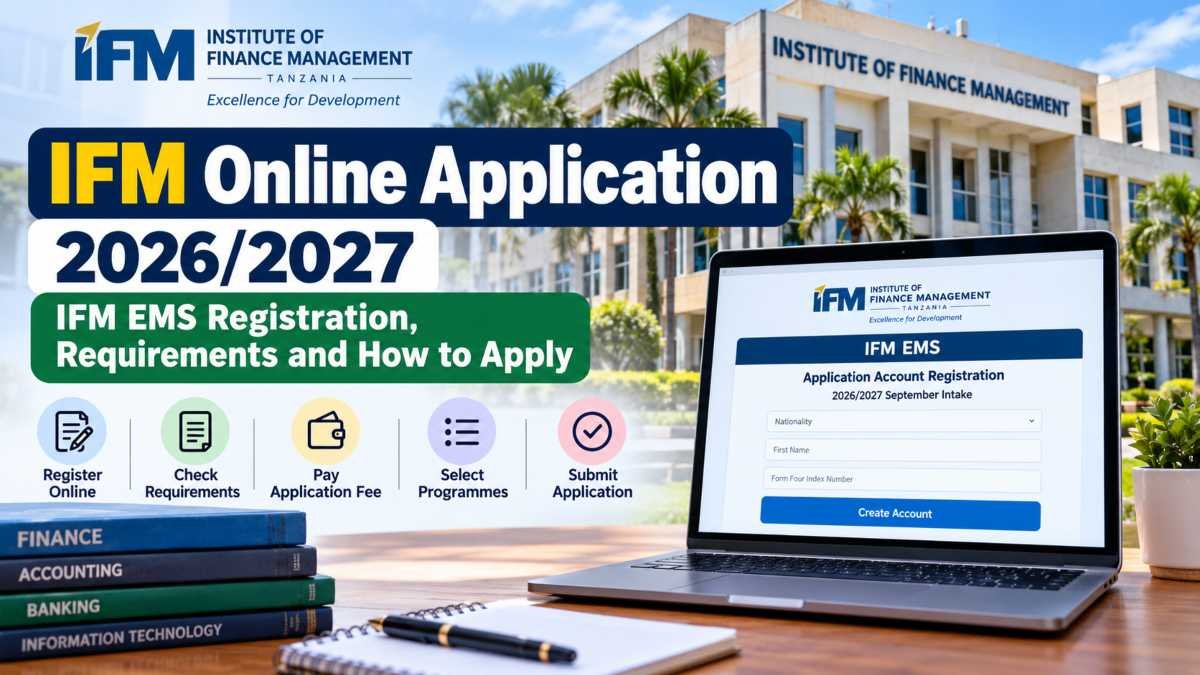
Students planning to study at the Institute of Finance Management (IFM) in Tanzania can begin their admission process through the institution’s official online application system, known as IFM EMS.
The system allows prospective students to create an application account and proceed with the admission process for their chosen programme. Applicants must provide the requested information, follow the payment instructions and complete the remaining application stages through the portal.
For the 2026/2027 academic year, the official IFM EMS registration page displays the September intake. Before starting, applicants should check the programmes available for their qualifications and make sure they use the correct application link.
This guide explains how to access the official portal, register an account and prepare for the application process without relying on unofficial websites.
IFM Online Application 2026/2027: Quick Facts
| Particular | Details |
|---|---|
| Institution name | Institute of Finance Management |
| Common abbreviation | IFM |
| Country | Tanzania |
| Main location | Dar es Salaam, Tanzania |
| Application system | IFM EMS |
| Academic year | 2026/2027 |
| Intake displayed | September 2026/2027 |
| Application mode | Online |
| Official application portal | IFM EMS |
| Official admissions website | ifm.ac.tz |
| Admissions email | admissions@ifm.ac.tz |
| Contact numbers | +255 734 205030, +255 734 205029, +255 734 205028 (Dar es Salaam help desk) |
Application dates, fees and programme availability should be checked on the official portal before applying.
Read Also: BBMKU Admit Card 2026: Download Hall Ticket, Exam Date & Details
What Is IFM EMS?
IFM EMS is the online application system used by the Institute of Finance Management for its admissions process. EMS applicants can create an account, sign in, provide their academic and personal information, follow payment instructions and submit their programme choices.
The Institute of Finance Management is based in Tanzania and offers programmes in areas such as finance, accounting, banking, insurance, taxation and information technology. The actual courses available depend on the admission level and intake.
Using the official application system is important because it helps applicants follow the institution’s stated process and receive application-related updates through the appropriate channel.
Applicants should also remember that creating an account is only the first stage. They must complete the remaining steps and submit the application successfully to finish the process.
Official IFM Online Application Portal 2026/2027
Applicants can access the registration form directly through the official IFM EMS website.
Official application link: https://ems.ifm.ac.tz/application/apply
The page is labelled “Application Account Registration” and identifies the 2026/2027 September intake. It asks applicants to provide initial information before proceeding with their applications.
For additional guidance, visit the official instructions page:
How to Apply: https://ems.ifm.ac.tz/application/how-to-apply
These official pages should be your first reference if you encounter a problem during registration or need to understand the next stage.
IFM Online Application 2026/2027: Information Required for Registration
Before opening the application form, keep your academic details and contact information ready. The IFM EMS registration page requests the following information:
- Nationality: Select the appropriate nationality.
- First name: Enter your name correctly.
- Form Four index number: Provide the requested index number or accepted equivalent identifier.
- Applying for: Select the relevant application category.
- Entry qualification: Choose the qualification that applies to you.
- Email address: Use an active email account.
- Phone number: Enter a reachable number in the format requested by the portal.
- Password: Create a password with at least eight characters.
- Password confirmation: Re-enter the password to confirm it.
The exact options available may depend on your application category. Read each field carefully and use the information shown on your academic records.
Do not enter another person’s academic details or create multiple accounts without a valid reason. If you have already registered for the same intake, use the existing-account option shown on the portal.
Read Also: NIFT Application Form 2027: Apply Online, Registration Date & Eligibility
How to Complete the IFM Online Application
Follow these initial steps to begin your application.
Step 1: Open the official IFM EMS portal
Visit https://ems.ifm.ac.tz/application/apply. Confirm that the website address belongs to the official IFM domain before entering your personal information.
Step 2: Create your application account
Select the appropriate nationality, enter your first name and provide the required Form Four index number or accepted equivalent. Choose the relevant application category and entry qualification.
Step 3: Enter your contact details
Provide an active email address and a valid phone number. These details are important for accessing your account and receiving application-related communications.
Step 4: Set your password
Create a password containing at least eight characters, as requested by the registration form. Enter it again in the confirmation field and check that both entries match.
Step 5: Review your information
Before creating the account, carefully review your name, index number, email address and other details. Correct any mistakes before proceeding.
After account creation, follow the portal’s instructions to log in and continue with the remaining application stages.
Important Note About IFM Application Deadlines
Applicants should verify the current closing date directly with IFM before making plans. The institution’s admission information contains differing closing-date references, so a single deadline should not be assumed to apply to every programme or application route.
Check the current notice on the official IFM admissions page and the IFM EMS portal. If the dates remain unclear, contact admissions@ifm.ac.tz for confirmation.
Submitting an application early is advisable because account registration, payment processing or document preparation may take additional time.
IFM Online Application: How to Pay the Application Fee
After creating your account, log in to the IFM EMS portal using your Form Four index number and password.
The official application instructions explain that applicants must complete the payment stage before proceeding with the remaining application sections.
Follow these steps:
- Open the IFM EMS login page.
- Enter your Form Four index number and password.
- Open Stage 1, labelled Payments.
- Generate the control number provided by the system.
- Download the invoice if you need a copy.
- Follow the official payment instructions.
- Return to the portal and confirm that your payment status has changed from Unpaid to Paid.
If the control number does not appear, IFM’s instructions say to select Request Control Number, wait at least one minute and refresh the page.
Important: The application fee amount should be checked on the invoice generated for your application. Do not rely on an unverified amount or transfer money to an unofficial account.
Read Also: UPPSC Dental Surgeon Admit Card 2026: Download Hall Ticket, Exam Date & Details
How to Complete and Submit the IFM EMS Application
Once your payment is confirmed, continue with the remaining stages shown in your account.
1. Complete your personal details
Enter the personal particulars requested by the system. Check your names and other information carefully, and complete the next-of-kin details where required.
2. Add your education details
Provide your educational history according to your entry qualification. Use your academic records to avoid mistakes in examination numbers, qualifications or results.
If the portal requests supporting documents, upload the correct files in the accepted format.
3. Add employment records, if applicable
The IFM EMS guide includes an employment-record section. Complete it if it applies to your circumstances and provide accurate information.
4. Select your preferred programmes
Choose programmes that match your qualifications and career interests.
The EMS step-by-step guide instructs applicants to select three programmes. However, IFM’s newer admissions information mentions up to five programme preferences. Because these instructions differ, follow the number of choices permitted by the live portal and the current instructions for your application round.
Before selecting a programme, check its entry requirements, study location and availability.
5. Review and submit the application
Check every section before submitting. Confirm that your personal information, academic records, programme choices and payment status are correct.
Submit the application through the portal and keep any confirmation or reference details provided by the system.
Official instructions: IFM EMS — How to Apply.
IFM Admission 2026/2027: Eligibility Requirements
Eligibility depends on the programme and the qualification you already hold. Applicants should not assume that the same academic requirements apply to every course.
IFM lists different entry levels, including:
- Basic Technician Certificate: Intended for eligible applicants entering certificate-level study.
- Ordinary Diploma: For applicants meeting the specified diploma entry requirements.
- Bachelor’s degree: For candidates who meet the required secondary-school or accepted equivalent qualifications.
- Postgraduate programmes: For applicants holding the relevant previous qualifications.
- Doctoral study: Subject to the applicable academic and programme-specific requirements.
The exact grades, subjects and accepted qualifications must be checked against the current official requirements for your chosen course.
International applicants should also check qualification-equivalence requirements with the relevant Tanzanian authorities. IFM’s admissions FAQ states that overseas qualifications must be verified by TCU or NACTVET, as applicable, before an offer can be confirmed.
Read the official IFM admissions guide before submitting your application.
How to Check IFM Online Application Status
After submission, applicants should regularly check their account for updates.
- Open the IFM EMS login page.
- Sign in using your Form Four index number and password.
- Look for the application status or any messages displayed in your account.
- Check the official admissions announcements for selection lists and further instructions.
- Follow any instructions issued by IFM if additional information or documents are requested.
Submitting an application does not automatically guarantee admission. Applicants must satisfy the relevant academic requirements and complete the institution’s admission process.
If you cannot access your account, use the official password-reset page.
Common IFM Online Application Mistakes to Avoid
Before submitting your form, check that you have avoided these common errors:
- Entering an incorrect Form Four index number.
- Providing an email address or phone number you cannot access.
- Selecting a programme without checking its entry requirements.
- Assuming that creating an account completes the entire application.
- Forgetting to generate a payment control number.
- Leaving the payment status as unpaid.
- Uploading incorrect or incomplete documents.
- Failing to review the application before submission.
- Relying on old deadlines instead of checking the current admission round.
Taking a few minutes to review your application can help prevent avoidable delays.
Frequently Asked Questions (FAQs)
1. What is the official IFM Online Application portal?
Applicants can begin through the official IFM EMS application portal.
2. Is IFM Online Application available for 2026/2027?
The IFM EMS portal displays registration for the 2026/2027 September intake. Applicants should check the live portal for the application category and round currently available.
3. How do I pay the IFM application fee?
Log in to IFM EMS, open the Payments stage, generate your control number and follow the official payment instructions. Check the portal for confirmation that the payment has been received.
4. How many programmes can I select?
The EMS application guide says three programmes, while IFM’s admissions website says applicants may select up to five. Follow the current instructions displayed for your application round.
5. What should I do if I forget my IFM EMS password?
Visit the official IFM password-reset page and follow the instructions.
6. Does submitting an application guarantee admission?
No. Admission depends on meeting the relevant entry requirements and the institution’s selection process.
7. How can I contact IFM about an application problem?
Email admissions@ifm.ac.tz or use the contact numbers published on the official IFM EMS help page.
Final Words
The IFM Online Application process starts with account registration and continues through payment, personal and education details, programme selection and final submission.
Applicants should use the official IFM EMS portal, check the current requirements for their chosen programme and keep their application details safe.
Before relying on any deadline or fee, confirm the information through the current official admissions notice or directly with the Admissions Office.
For the most reliable updates, visit the official IFM website and check the latest admission announcements.

1 comment on “IFM Online Application 2026/2027: IFM EMS Registration, Requirements and How to Apply”