
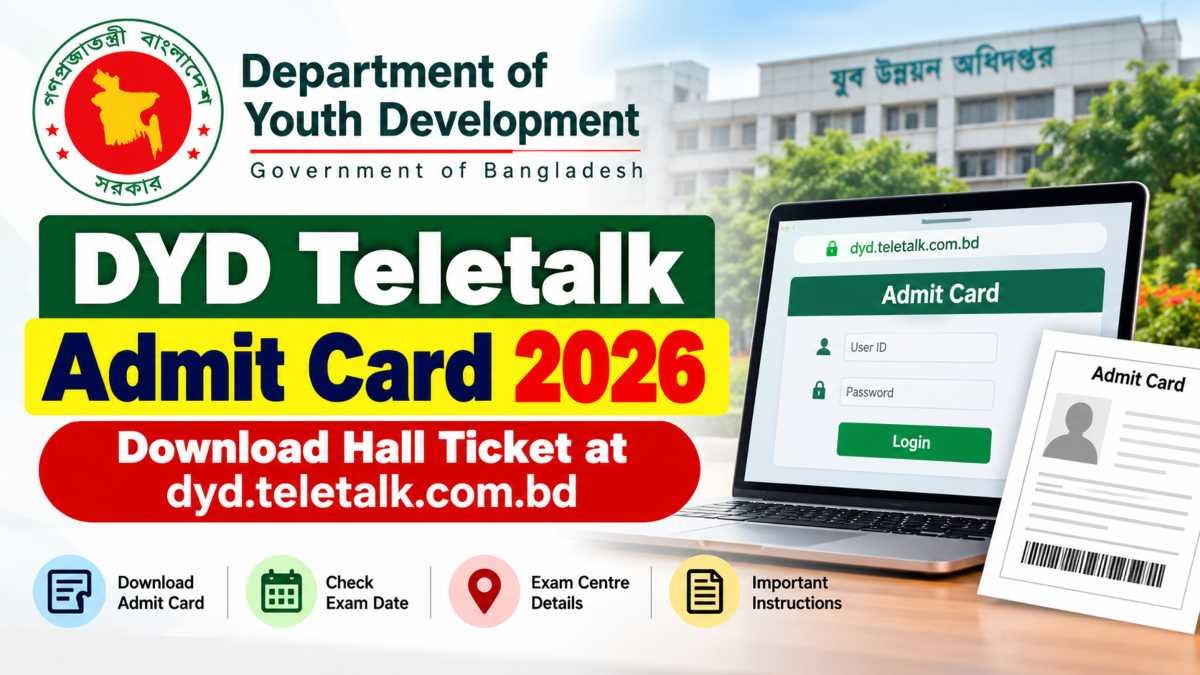
Candidates applying for jobs under the Department of Youth Development (DYD), Bangladesh, can check the official Teletalk recruitment portal for admit card updates. The admit card is an important document for candidates who are required to appear in a recruitment examination.
The official website, dyd.teletalk.com.bd, provides an admit card section where applicants can check availability and access the download facility. However, candidates should confirm that the admit card for their particular recruitment circular has been issued before attempting to download it.
In this guide, you will learn how to check the DYD admit card status, download the hall ticket, recover login details if needed, and verify the information printed on the document.
DYD Teletalk Admit Card 2026: Quick Details
| Particulars | Details |
|---|---|
| Organization | Department of Youth Development (DYD) |
| Country | Bangladesh |
| Recruitment authority | Department of Youth Development |
| Admit card | Check official portal for availability |
| Recruitment portal | dyd.teletalk.com.bd |
| Official admit card page | https://dyd.teletalk.com.bd/dyd/admitcard/ |
| Official department website | https://dyd.gov.bd |
| Login details | User ID and password, as requested by the portal |
| Exam date | Check the official recruitment notice |
| Exam centre | Check the downloaded admit card or official instructions |
| Official support | alljobs.query@teletalk.com.bd for the current portal |
Note: The portal supports multiple recruitment notices. The exam date, admit card release status, and other details may differ by recruitment circular. Always check the relevant official notice.
Read Also: ESIC Portal Application 2026: Online Registration, Login and Application Status
DYD Admit Card 2026 Release Date
The DYD admit card release date depends on the recruitment process and the examination schedule announced by the Department of Youth Development.
The official Teletalk website has an admit card section, but the existence of this page does not automatically mean that every applicant’s hall ticket is available. Candidates should check the relevant recruitment section and look for an official announcement.
To confirm the latest status:
- Visit the official DYD recruitment website.
- Open the relevant recruitment circular or admit card section.
- Check whether the admit card has been issued for your recruitment.
- Follow the instructions provided on the official website.
Do not rely on an unofficial release date unless it can be verified through an official notice.
How to Download DYD Teletalk Admit Card 2026
Candidates can follow these steps to check and download their DYD admit card when it becomes available.
Step 1: Visit the official website
Open the DYD Teletalk admit card page: https://dyd.teletalk.com.bd/dyd/admitcard/
Step 2: Check admit card availability
Look at the available admit card option and select the relevant recruitment, if applicable. Availability may depend on the circular and examination stage.
Step 3: Enter your login details
Enter the User ID and password requested by the portal. Use the credentials associated with your application.
Step 4: Submit the information
Click the relevant login or submit option and follow the instructions displayed on the website.
Step 5: Download the admit card
If your admit card is available, open the document and download it to your device.
Step 6: Print a copy
Keep a clear printed copy ready for the examination. Read the official instructions to confirm whether a printed admit card is compulsory and whether any additional documents are required.
If the admit card is not available, check the official website again later and look for updates from the department.
Details to Check on the DYD Admit Card
After downloading the hall ticket, carefully check the information printed on it. Depending on the recruitment examination, the document may contain the following details:
- Candidate’s name
- Roll number or registration details
- Photograph and signature
- Post name or recruitment information
- Examination date and time
- Examination centre and address
- Reporting time
- Important examination instructions
If you notice an incorrect name, photograph, examination centre, or other important detail, contact the recruitment authority using the official contact information before the examination. Do not alter the admit card yourself.
What If the DYD Admit Card Is Not Available?
If you cannot download your hall ticket, do not assume that your application has been rejected. First, check the status of your specific recruitment circular.
Possible reasons include:
- The admit card has not yet been released for your recruitment.
- You have selected the wrong recruitment section.
- Your User ID or password is incorrect.
- The portal is temporarily experiencing technical difficulties.
- Your application or examination status requires further verification.
Recheck your login details and use the correct official portal. If the problem continues, follow the support instructions shown on the website.
For current DYD recruitment portal assistance, the official Teletalk homepage lists alljobs.query@teletalk.com.bd with the subject line “DYD.” Check the contact details displayed on the relevant admit card page before sending your query.
How to Recover a Forgotten DYD Teletalk User ID or Password
Candidates sometimes face login problems while trying to download the DYD Teletalk Admit Card 2026. If you have forgotten your login details, use the recovery option provided on the official recruitment portal, if available.
Follow these steps:
- Visit https://dyd.teletalk.com.bd.
- Look for the relevant recruitment login or recovery option.
- Select the appropriate option for recovering your User ID or password.
- Enter the information requested by the portal.
- Follow the instructions displayed on the screen.
Keep your application copy and confirmation SMS available because they may contain useful application details.
If the recovery option does not work, contact the official support service using the contact information displayed on the recruitment website. Never share your password or verification codes with an unofficial agent.
What to Do If the DYD Admit Card Download Fails
If the admit card page does not open or the download fails, try the following solutions.
- Check your internet connection: Use a stable connection and reload the page.
- Use an updated browser: Try the latest version of Chrome, Firefox, or another supported browser.
- Check the official website again: Temporary server issues can prevent access.
- Verify your login information: Enter the correct User ID and password.
- Try another device: If possible, open the website on a computer or another phone.
- Check the official notice: Make sure the admit card is available for your recruitment circular.
Avoid paying anyone who promises to release your admit card or change your recruitment status. Use only the official website and authorized support channels.
Read Also: Air Force Application Portal 2026: Registration, Online Application, Eligibility and Latest Updates
Important Instructions for the DYD Recruitment Examination
Candidates should read the instructions printed on their admit card before leaving for the examination centre.
Keep the following points in mind:
- Download and print your admit card as instructed by the recruitment authority.
- Check the examination date, reporting time, and centre address carefully.
- Carry the identification documents specified in the official instructions.
- Reach the examination centre with sufficient time to complete entry formalities.
- Follow the rules regarding mobile phones, electronic devices, calculators, and other personal belongings.
- Do not bring prohibited items into the examination hall.
- Follow all instructions provided by the invigilators.
The exact requirements may vary by examination. The instructions on your admit card and the applicable official notice should take priority over general advice.
DYD Teletalk Admit Card 2026: Frequently Asked Questions
1. What is the official website for the DYD Teletalk Admit Card 2026?
The official recruitment portal is https://dyd.teletalk.com.bd. Candidates can also check the admit card section at https://dyd.teletalk.com.bd/dyd/admitcard/.
2. Has the DYD Admit Card 2026 been released?
The release status must be confirmed through the official portal for the relevant recruitment circular. The availability of an admit card webpage does not confirm that every candidate can download a hall ticket.
3. How can I download the DYD Teletalk Admit Card?
Visit the official admit card page, select the relevant recruitment option if required, enter the requested login credentials, and follow the on-screen instructions. Download the document if it is available.
4. What details are required to download the DYD admit card?
The portal may ask for your User ID and password. Follow the exact requirements shown on the official login page.
5. What should I do if I forget my DYD Teletalk password?
Check the official portal for a password recovery facility. If recovery is unavailable or unsuccessful, contact the support service listed on the recruitment website.
6. Where can I check the DYD examination date?
Check the official recruitment notice and your downloaded admit card. Do not rely on an unverified examination date published on third-party websites.
7. Is it necessary to print the DYD admit card?
Candidates should follow the instructions issued for their examination. If a printed copy is required, carry it to the examination centre along with any other specified documents.
8. What should I do if my admit card contains incorrect information?
Contact the recruitment authority through its official communication channel as soon as possible. Explain the error and follow the correction instructions provided by the authority.
9. Can I download the DYD admit card on my mobile phone?
You can try accessing the official portal through a mobile browser. If the page does not work properly, try a computer or another supported browser.
10. Where can I get official assistance for DYD Teletalk recruitment?
Visit the official DYD recruitment portal and check its current support instructions. The Teletalk support contact listed for recruitment queries is alljobs.query@teletalk.com.bd; verify the applicable contact details before sending your request.
Conclusion
The DYD Teletalk Admit Card 2026 is an important document for candidates participating in the Department of Youth Development recruitment process. Applicants should use the official portal at dyd.teletalk.com.bd to check availability, access the download facility, and confirm examination instructions.
Before attending the examination, verify your personal details, reporting time, examination centre, and required documents. If you encounter a login or download problem, use the official recovery and support options rather than relying on unofficial services.
For further recruitment updates, candidates should regularly check the official website and follow announcements related to their specific recruitment circular.
