
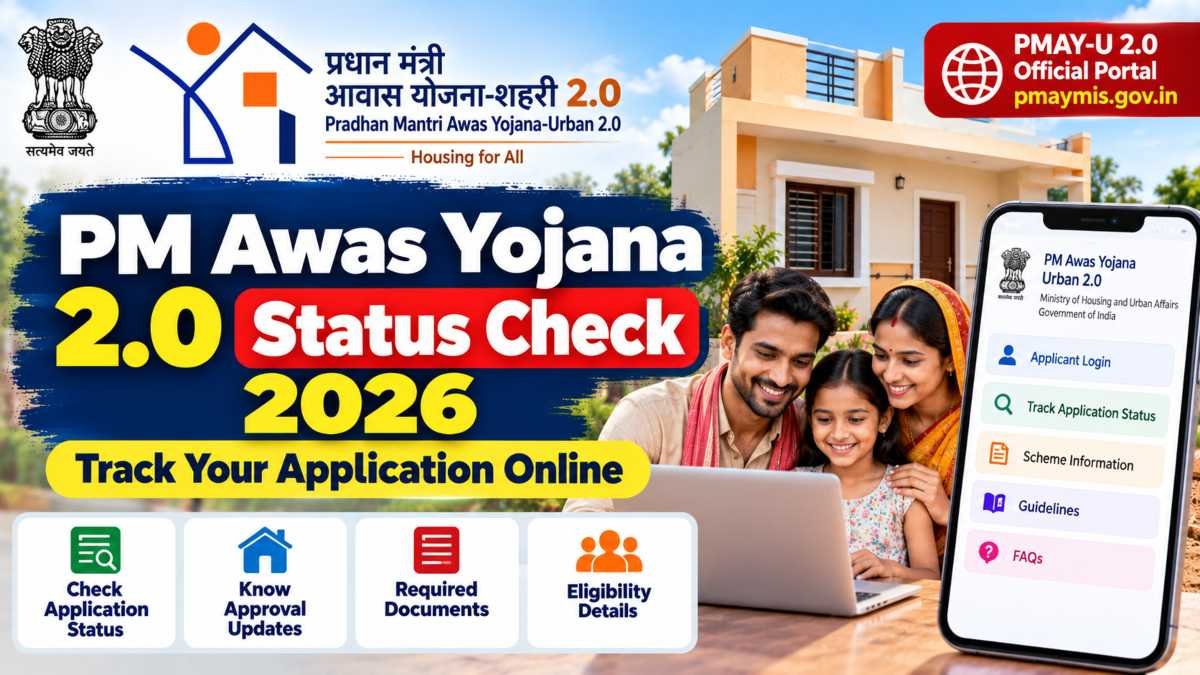
If you have applied for Pradhan Mantri Awas Yojana-Urban 2.0 (PMAY-U 2.0), you may want to know whether your application has been received, is under verification, or has moved to the next stage.
The PM Awas Yojana 2.0 status check helps applicants follow the progress of their housing application through the official government portal.
The application may need verification by the concerned authorities before a final decision is made, so submitting a form does not automatically mean that housing assistance has been approved.
In this guide, you will learn where to check your PMAY-U 2.0 application, which details to keep ready, what to do if your status is not showing, and how to contact the official support team.
PM Awas Yojana 2.0: Quick Information
| Particular | Details |
|---|---|
| Scheme name | Pradhan Mantri Awas Yojana-Urban 2.0 |
| Common name | PMAY-U 2.0 |
| Main purpose | Affordable housing support for eligible urban households |
| Implementing ministry | Ministry of Housing and Urban Affairs, Government of India |
| Scheme period | Five years starting from 1 September 2024 |
| Official portal | PMAY-U 2.0 Portal |
| Status check | Use the official portal’s applicant and citizen-service options |
| Application support | Portal support/FAQs and concerned Urban Local Body (ULB) |
| Rural housing scheme | Pradhan Mantri Awaas Yojana-Gramin (PMAY-G) |
Source: Official PMAY-U 2.0 portal and beneficiary application manual.
Read Also: Farmer Registry UP Status Check 2026: Check Farmer ID Approval Status Online
How to Check PM Awas Yojana 2.0 Status Online in 2026
Follow these steps to find the official application-status service.
Step 1: Open the official PMAY-U 2.0 website
Visit the official PMAY-U 2.0 portal. Check that you are on the government website before entering any personal information.
Step 2: Find the application or status option
Look for the relevant Applicant Login or Track Application Status option under the portal’s available services. The precise route may depend on how your application was submitted and which service is available for your application.
Step 3: Use the details requested by the portal
Follow the instructions displayed on the official page. Keep your application reference or assessment details and Aadhaar-related information available if required. Do not share your Aadhaar number, OTP, password or other sensitive details with unofficial agents.
Step 4: Review your application information
If the portal displays your application, carefully check the details and any status or action message shown. If the record is not available, do not immediately assume that your application has been rejected.
Step 5: Contact the concerned authority if needed
If you cannot locate your application or the information appears incorrect, contact your concerned Urban Local Body or use the support details published on the official PMAY-U 2.0 website.
Important: The older PMAY-U website also has an assessment-status page. It may not be the correct tracking route for every PMAY-U 2.0 application. Start from the current official portal rather than relying on an old link shared on social media.
Read Also: RMLAU Result 2026: Check BA, BSc, BCom, MA and Other Course Results
Who Can Check PM Awas Yojana 2.0 Status?
This status guide is mainly for people who have applied under PMAY-U 2.0, which covers eligible households in urban areas.
According to the official scheme manual, the main income categories are:
- EWS (Economically Weaker Section): Annual household income up to ₹3 lakh.
- LIG (Low Income Group): Annual household income above ₹3 lakh and up to ₹6 lakh.
- MIG (Middle Income Group): Annual household income above ₹6 lakh and up to ₹9 lakh.
Income limits alone do not guarantee eligibility. Other scheme conditions also apply, including rules about pucca-house ownership and previous housing-scheme benefits. The relevant authority verifies the application before a final decision.
Applicants in rural areas should check PMAY-Gramin (PMAY-G) instead of assuming that the urban portal covers their application.
What Should You Do If Your PMAY-U 2.0 Status Is Not Showing?
If you cannot find your record, try these checks:
- Recheck your details: Make sure you are using the correct information requested by the portal.
- Confirm the scheme: Check whether your application was submitted under PMAY-U 2.0 or PMAY-G.
- Check your submission record: If you applied through a Common Service Centre (CSC) or municipality, ask for your application reference or confirmation.
- Contact the local authority: The concerned Urban Local Body can guide you about verification or missing application details.
- Use official support: Refer to the contact information on the PMAY-U 2.0 website.
Avoid submitting a duplicate application simply because the status page does not display your record. First, confirm the position of your existing application with the relevant authority.
Read Also: DU PhD Admission 2026: Eligibility, Application Form, Important Dates and How to Apply
Official PMAY-U 2.0 Portal and Support
For the safest and most reliable information, use the official portal:
PMAY-U 2.0: https://pmaymis.gov.in/PMAYMIS2_2024/PmayDefault.aspx
Ministry website: https://pmay-urban.gov.in/
The portal publishes support and contact information, including telephone numbers, WhatsApp support and email addresses. Check the current details on the official website before contacting support, as contact information can change.
PM Awas Yojana 2.0 Application Status Meaning
When you check your PM Awas Yojana 2.0 status, the portal may show an update about your application or ask you to complete a particular step. The exact wording can vary depending on the portal and the stage of your application.
Here is how to understand common status messages in general.
| Status or message | What it generally means | What you should do |
|---|---|---|
| Application Submitted | Your form has been submitted through the relevant process. | Keep your acknowledgement or reference details safe. |
| Under Verification | The information or documents are being checked. | Wait for the next update and respond if more information is requested. |
| Pending | A decision or action is still awaited. | Check for instructions and contact the concerned authority if necessary. |
| Approved or Sanctioned | Approval has been recorded for the relevant stage. | Read the official communication to understand the next steps and conditions. |
| Rejected | The application has not been accepted at that stage. | Check the reason shown and ask the responsible authority whether correction, review or another remedy is available. |
| No Record Found | The portal could not find a matching record. | Recheck your details and confirm that you are using the correct scheme portal. |
Please note: These are general explanations, not a guaranteed list of exact PMAY-U 2.0 portal labels. The message displayed on your official dashboard and instructions from the responsible authority should take priority.
Documents to Keep Ready While Checking Your Status
You may not need every document just to view an application update. However, keeping your application details and supporting records ready can make it easier to resolve a problem.
Depending on your application and the scheme requirements, these may include:
- Application acknowledgement or reference details.
- Aadhaar-related information, where required by the official process.
- Bank account details submitted with the application.
- Income and eligibility declarations.
- Land ownership documents for applications under Beneficiary Led Construction (BLC).
- Any notice, request for clarification or other document received from the authority.
The official PMAY-U 2.0 FAQ lists Aadhaar details, bank account details, an eligibility undertaking and land ownership documents for BLC applications among the documents that may be required.
States, Urban Local Bodies and other implementing agencies may specify additional requirements. https://pmaymis.gov.in/PMAYMIS2_2024/PmayFAQ.aspx
Do not upload documents to unofficial websites or send sensitive information to unknown people claiming they can approve your application.
Read Also: IFM Online Application 2026/2027: IFM EMS Registration, Requirements and How to Apply
What to Do If Your PMAY-U 2.0 Application Is Rejected
Seeing a rejection message can be frustrating, especially if you were expecting housing assistance. Before taking any action, read the reason provided in the official system or communication.
Follow these steps:
- Read the rejection reason carefully. Do not rely only on a message forwarded by someone else.
- Check your submitted information. Look for incorrect details or missing documents.
- Contact the responsible authority. Depending on your application, this may be your Urban Local Body, municipality or another implementing agency.
- Ask about the available remedy. Confirm whether correction, reconsideration or another official process is permitted in your case.
- Keep a record of your communication. Save acknowledgement numbers and official replies for future reference.
Eligibility and approval depend on the scheme rules and verification. Nobody can guarantee approval simply by charging a fee.
PMAY-U 2.0 vs PMAY-Gramin: Which Status Should You Check?
One common mistake is using the urban housing portal when the application relates to a rural housing scheme.
| Feature | PMAY-U 2.0 | PMAY-Gramin (PMAY-G) |
|---|---|---|
| Main coverage | Eligible urban households | Eligible rural households |
| Responsible ministry | Ministry of Housing and Urban Affairs | Ministry of Rural Development |
| Where to start | Official PMAY-U 2.0 portal | Official PMAY-G website |
| Who to contact | Relevant municipality or Urban Local Body, as applicable | Relevant Gram Panchayat or rural development authority, as applicable |
If your application was submitted through a Gram Panchayat for a rural housing benefit, confirm that you are checking the correct PMAY-G process. The two schemes have different administrative systems.
Important Safety Tips for PM Awas Yojana 2.0 Applicants
Use these precautions when checking your application:
- Open the official government portal directly rather than clicking unknown messages.
- Never share an OTP or password with someone promising faster approval.
- Do not pay an unofficial agent who claims to guarantee a house or subsidy.
- Do not assume that a submitted application means you are approved.
- Confirm any request for additional documents or payment with the responsible authority.
- Keep copies of your application acknowledgement and official communication.
The safest way to verify your status is through the official PMAY-U 2.0 portal or the authority handling your application.
Frequently Asked Questions (FAQs)
1. How can I check PM Awas Yojana 2.0 status online in 2026?
Visit the official PMAY-U 2.0 portal and look for the relevant applicant or status-tracking service. Follow the instructions shown for your application.
2. Can I check PMAY-U 2.0 status using my mobile phone?
The official portal is designed to support beneficiaries accessing online services. You can try it on a mobile browser. If the page does not work properly, use another browser or seek assistance from your local Urban Local Body or Common Service Centre.
3. Why is my PM Awas Yojana 2.0 status not showing?
Possible reasons include incorrect details, a mismatch between the scheme and portal, or an application record that is not available in the selected service. Verify your acknowledgement details and contact the authority that accepted your application.
4. Does submitting the application mean my house is approved?
No. Submission and approval are different stages. The application must be checked under the applicable scheme rules, and the relevant authority must record the decision.
5. How long does PMAY-U 2.0 approval take?
There is no single processing time that should be assumed for every application. Processing can depend on verification, the selected scheme vertical and action by the responsible authorities. Check your dashboard and any official communication for updates.
6. Can I check PMAY-U 2.0 status without an application number?
The information required depends on the tracking service available for your application. Check the official portal for its current instructions. If you cannot retrieve the record, ask the authority or centre through which you applied to help locate your acknowledgement.
7. Where can I get help with my PMAY-U 2.0 application?
Start with the official PMAY-U 2.0 portal and its support or FAQ section. You can also contact the Urban Local Body or municipality responsible for your application.
Final Words
Checking your PM Awas Yojana 2.0 status is an important way to follow your housing application, but remember that the displayed update is not always the final decision. Read the instructions carefully, keep your application records safe and contact the responsible authority if something is unclear.
For accurate information, use the official PMAY-U 2.0 portal instead of relying on unofficial websites or promises of guaranteed approval.
Official links:
